YouTube Ads in Vancouver: What Works?
Plan the opening shot, pick the market you can serve, and decide what you want viewers to do next.
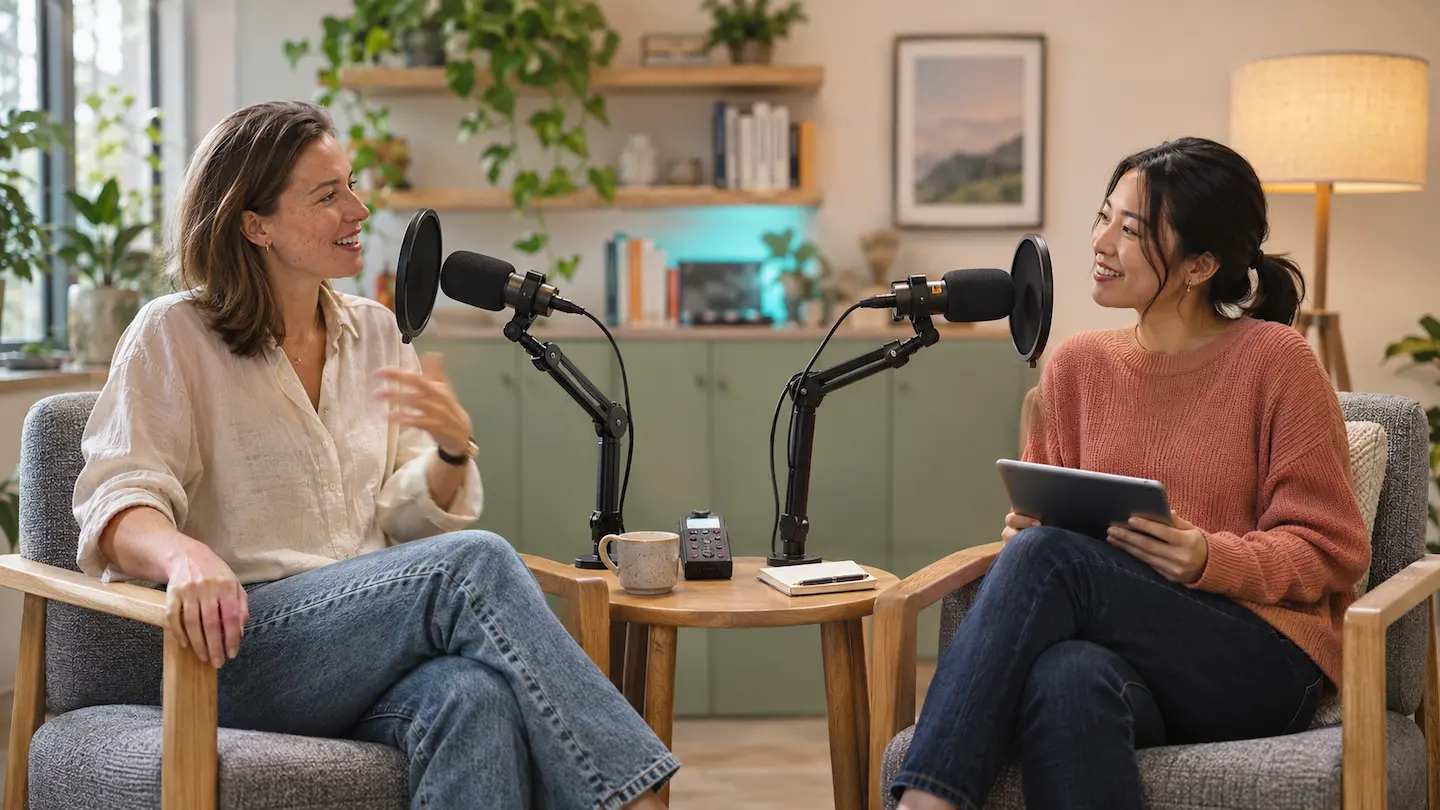
A good first YouTube Ads campaign in Vancouver starts with one clear reason to watch and one action you can track. Imagine a Vancouver video podcast that interviews local restaurant owners. The producers want more people to watch the show. Here’s how they could turn one episode into a 20-second ad and tell whether it earns more viewing on the channel.
Show the reason to watch in the first five seconds
“Attention, Branding, Connection, Direction.”
YouTube’s creative guide
Use YouTube’s four principles as a shot-list check. Give viewers a reason to stop, show who’s speaking, make the topic matter to them, and give them one clear next step.
Build the shoot around a simple sequence: the problem, one piece of proof, and the next step. Capture close-ups, clean audio, and a vertical version while you’re on location. Cut the same material into two versions with different openings so you can test which earns attention. Use captions and clear text that still reads on a phone.
Open the 20-second trailer with the host asking, “What does it actually cost to open a restaurant in Vancouver?” Put the show’s name on screen early. Use one candid answer from the guest, then cut to a brief shot of the restaurant so viewers can see the place they’re talking about. End with the episode title and an invitation to watch the full conversation. Check where viewers drop off in YouTube’s audience retention report.
Set your geography where you can deliver
Start in Metro Vancouver, where the places and people featured in the episode are familiar to more viewers. Expand across B.C. if a later episode covers a topic with wider appeal, such as the cost of opening a restaurant outside the city. Check whether your campaign’s location settings include people who show interest in the area, and review where the ads ran after launch. Google Ads location targeting
Set a metric that fits your YouTube Ads
| Goal | Track first | Check alongside it |
|---|---|---|
| Reach local buyers | Unique reach and frequency where available | How widely delivery is spreading across your audience |
| Get people to watch | Views, view rate, and cost per view | Where viewers stop watching |
| Get people to watch more of the show | Follow-on views and cost per follow-on view | Watch time and retention on the featured episode |
| Generate inquiries | Valid leads and cost per qualified inquiry | Booking rate and time to close |
Put the featured episode first in a YouTube playlist and use the playlist as the destination. If you run a Demand Gen campaign, link the podcast’s YouTube channel to Google Ads and track follow-on views. Google counts these when someone goes on to watch a video on the channel after seeing the ad. Divide ad spend by follow-on views to compare the two trailers. Check the featured episode’s retention in YouTube Studio to see where viewers stay or drop off. Google Ads guidance on YouTube Engagements
For a reach campaign, Google’s Reach Planner can forecast impressions, unique reach, and frequency when enough data is available. In its Hyundai Canada case study, Think with Google reported a 16% lift in brand familiarity and a 21% lift in consideration for a connected TV campaign that included YouTube.
Improve the opening before you reshoot everything
Check a few signals together. If viewers leave early, try a more direct opening using footage you already have. If people watch the trailer but follow-on views are low, check that the playlist opens with the featured episode and that the trailer sets up the same story. Keep the audience and offer steady when testing a new opening so you have a better chance of understanding the difference.
Planning a YouTube ad in Metro Vancouver? Tell me what you’re promoting and where your customers are. We can talk through what to film, where to run it, and what to measure.